

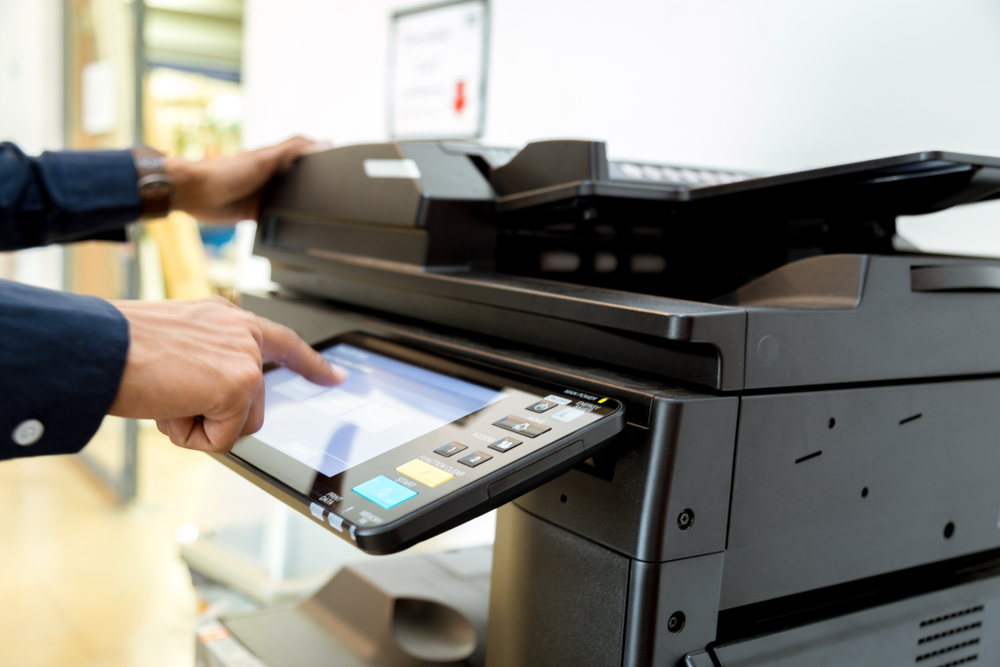
A reliable office printer is more than just a convenience—it’s an essential tool for productivity and communication. As technology continues to evolve, office printers have become smarter, faster, and more energy-efficient than ever before. But with so many options available, finding the right one for your business can feel overwhelming. Whether you run a small startup or manage a large corporate office, the right printer can save time, reduce costs, and streamline daily operations. Here’s how to choose the perfect printer for your office in 2026.
Assess Your Office Printing Needs
Before you begin comparing models, take time to understand your office’s printing habits. Consider how often your team prints, what types of documents they produce, and whether color printing is essential. A marketing agency, for example, might need a high-quality color printer for brochures and graphics, while a law firm may prioritize sharp text and large document handling. Understanding your specific needs helps narrow down choices and ensures you invest in a printer that supports your workflow instead of slowing it down.
Choose Between Inkjet and Laser Technology
The biggest decision when choosing a printer is deciding between inkjet and laser technology. Inkjet printers excel at producing vibrant color images and are ideal for small to medium print volumes. They’re perfect for businesses that print photos, graphics, or marketing materials. Laser printers, on the other hand, are faster and more efficient for text-heavy documents. They have a lower cost per page and handle large print jobs with ease, making them a better fit for high-volume office environments. In 2026, both types are available with smart features, but your final choice should match your office’s output demands.
Consider Multifunction Printers for Versatility
Modern offices often need more than just a printer. Multifunction printers (MFPs), also known as all-in-one printers, combine printing, scanning, copying, and faxing capabilities in one machine. This versatility saves space and simplifies document management. Some advanced MFPs also offer cloud integration, enabling staff to scan directly to shared drives or email. If your office values efficiency and collaboration, investing in a multifunction printer can be one of the smartest decisions you make.
Evaluate Print Speed and Volume Capacity
Print speed, measured in pages per minute (PPM), is a key factor for busy workplaces. A fast printer prevents bottlenecks and keeps employees focused on their tasks. For small offices, a printer with 20–30 PPM may be sufficient, while larger departments may need 50 PPM or more. Alongside speed, check the monthly duty cycle—the maximum number of pages a printer can handle each month. Choosing a printer that matches your volume requirements helps ensure longevity and consistent performance without overworking the machine.
Prioritize Connectivity and Smart Features
Office technology in 2026 emphasizes connectivity and convenience. Look for printers that support Wi-Fi, Bluetooth, and mobile printing apps like Apple AirPrint, Google Cloud Print, and Mopria. Cloud-based printing allows teams to send jobs from remote locations or mobile devices, supporting hybrid and flexible work environments. Many newer models also feature touchscreen interfaces, voice commands, and automatic software updates. Smart printers can even monitor toner levels, schedule maintenance, and integrate with office management systems to boost efficiency.
Security Features for Data Protection
As offices become increasingly digital, printer security is more important than ever. Modern printers are connected to networks, which makes them potential targets for cyber threats. To safeguard sensitive documents, choose a printer with built-in security features such as password protection, encrypted printing, and automatic data deletion after print jobs. Businesses handling confidential information—like healthcare or financial institutions—should prioritize devices with robust security protocols and compliance certifications.
Plan for Future Growth
Finally, consider your business’s long-term needs. The right printer should grow with your company, not limit it. Look for modular systems that allow for future upgrades, such as additional paper trays, finishing options, or software integrations. Cloud-ready and AI-enabled printers will continue to evolve alongside office technology, making them a sound investment for 2026 and beyond. Thinking ahead prevents the need for premature replacements and keeps your operations efficient as your team expands.
Choosing the right printer for your office in 2026 means balancing performance, cost, and flexibility. By evaluating your printing needs, exploring the latest smart features, and considering long-term efficiency, you can invest in a printer that enhances workflow and supports your business goals. The right device doesn’t just produce paper—it powers productivity, security, and sustainability for the modern workplace.